
 EN
EN
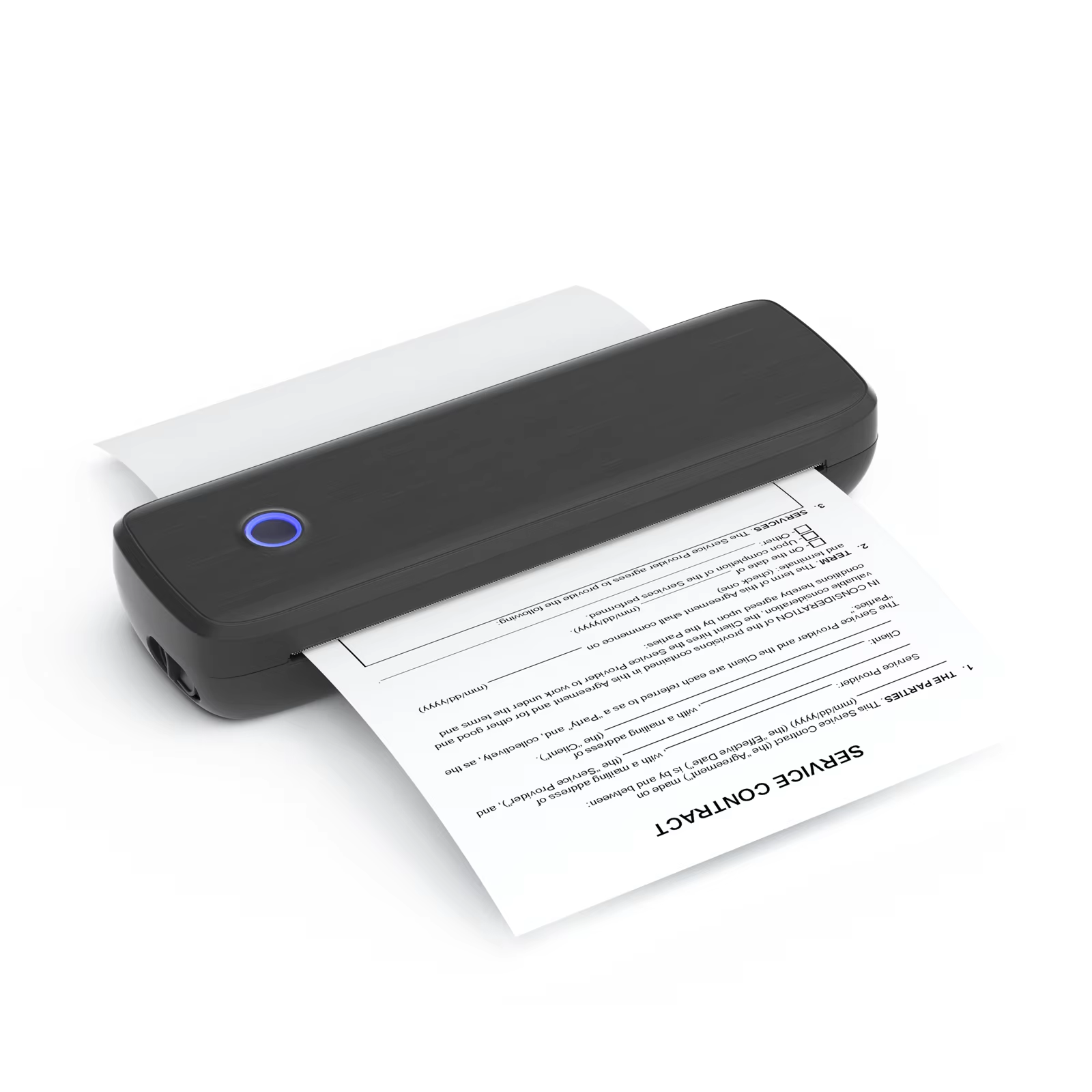
Understanding the Versatility of A4 Printing
In the fast-paced modern office, efficiency often depends on the right equipment. The shift towards compact, mobile solutions has made the a4 printer an essential tool for professionals who need to produce full-page documents on the go. Whether printing legal contracts, shipping manifests, or complex diagrams, these devices bridge the gap between heavy-duty office printers and highly portable handheld units. A key advantage of using a thermal-based unit is the ability to leverage roll paper, which provides a continuous printing medium, eliminating the need for frequent manual sheet feeding. Mastering the paper loading process is the first step toward unlocking the full potential of such a machine, ensuring that business documents remain crisp and consistent regardless of the working environment.
Preparing for Seamless Paper Loading
Success in operating an a4 printer begins long before the paper touches the roller. Before attempting to load a thermal roll, it is vital to ensure the device is placed on a stable, flat surface. The paper path must be inspected for any debris or residual adhesives that could interfere with the delicate thermal printhead. Furthermore, verify that the thermal side of the paper—the side that is chemically sensitive to heat—is correctly oriented. Most thermal rolls are wound so that the active surface is on the outside, but it is always a best practice to perform a simple fingernail scratch test. If a dark mark appears, that is the side that must face the printhead elements. Proper preparation avoids the frustration of blank pages or, worse, potential damage to the printhead from improper media handling.
Step-by-Step Guide for Thermal Roll Loading
Loading a roll into an a4 printer should be a frictionless process. First, open the printer cover by engaging the release latches on either side of the unit. Once opened, place the paper roll into the compartment, ensuring it is centered between the guides. Pull a small length of the paper out so that the leading edge extends slightly beyond the tear bar. Gently close the cover until a distinct "click" is heard, signaling that the pressure rollers are locked and ready. If the device features an automatic feed mechanism, press the "feed" button once to allow the sensor to detect the paper edge and align it perfectly. This automated alignment is a feature of high-end equipment and is critical for maintaining professional print margins on every document produced.
Troubleshooting Common Alignment Issues
Even with the most reliable a4 printer, occasionally, the paper may skew, leading to misaligned text or crooked margins. This is usually caused by the roll being slightly offset in the paper tray or the guides being too loose. If the paper begins to feed at an angle, do not attempt to force it back into place while the motor is engaged. Instead, stop the printing process immediately, open the compartment, and realign the roll so it sits perfectly square within the housing. Ensure the edges of the roll are parallel to the platen roller. Repeated skewing is often a sign that the paper roll core is damaged or the tension springs on the compartment door require calibration. Maintaining a check on these physical components ensures that high-quality output is sustained over long-term usage.
Why Quality Media Matters for Device Longevity
Not all thermal paper is created equal. Using low-grade paper with a high-performance a4 printer can have detrimental effects on the device’s internal hardware. Cheap, abrasive paper surfaces act like sandpaper against the sensitive ceramic glaze of the printhead, leading to premature wear and pixel failure. Conversely, premium thermal paper is engineered with a smooth, protective coating that minimizes friction while optimizing heat transfer. By choosing high-quality media, users protect their investment and ensure that the print density remains rich and sharp. Professional printing outcomes depend on the harmony between the hardware's heating capability and the chemical responsiveness of the paper, making the choice of consumables an essential part of the overall printing strategy.
Delivering Excellence through Manufacturing Innovation
Luck Jingle remains committed to advancing the standards of portable printing technology. By integrating cutting-edge material science with precision mechanical engineering, Luck Jingle designs hardware that simplifies complex tasks like paper management while maintaining high-speed throughput. Every unit manufactured under the Luck Jingle brand undergoes rigorous durability testing to ensure it stands up to the demands of international industrial and commercial environments. By prioritizing user-centric design and robust supply chain reliability, Luck Jingle empowers businesses to focus on their core operations. As global market needs shift toward smarter, more reliable digital solutions, the dedication to precision manufacturing ensures that every print job reflects a commitment to quality, efficiency, and long-term performance.