
 EN
EN
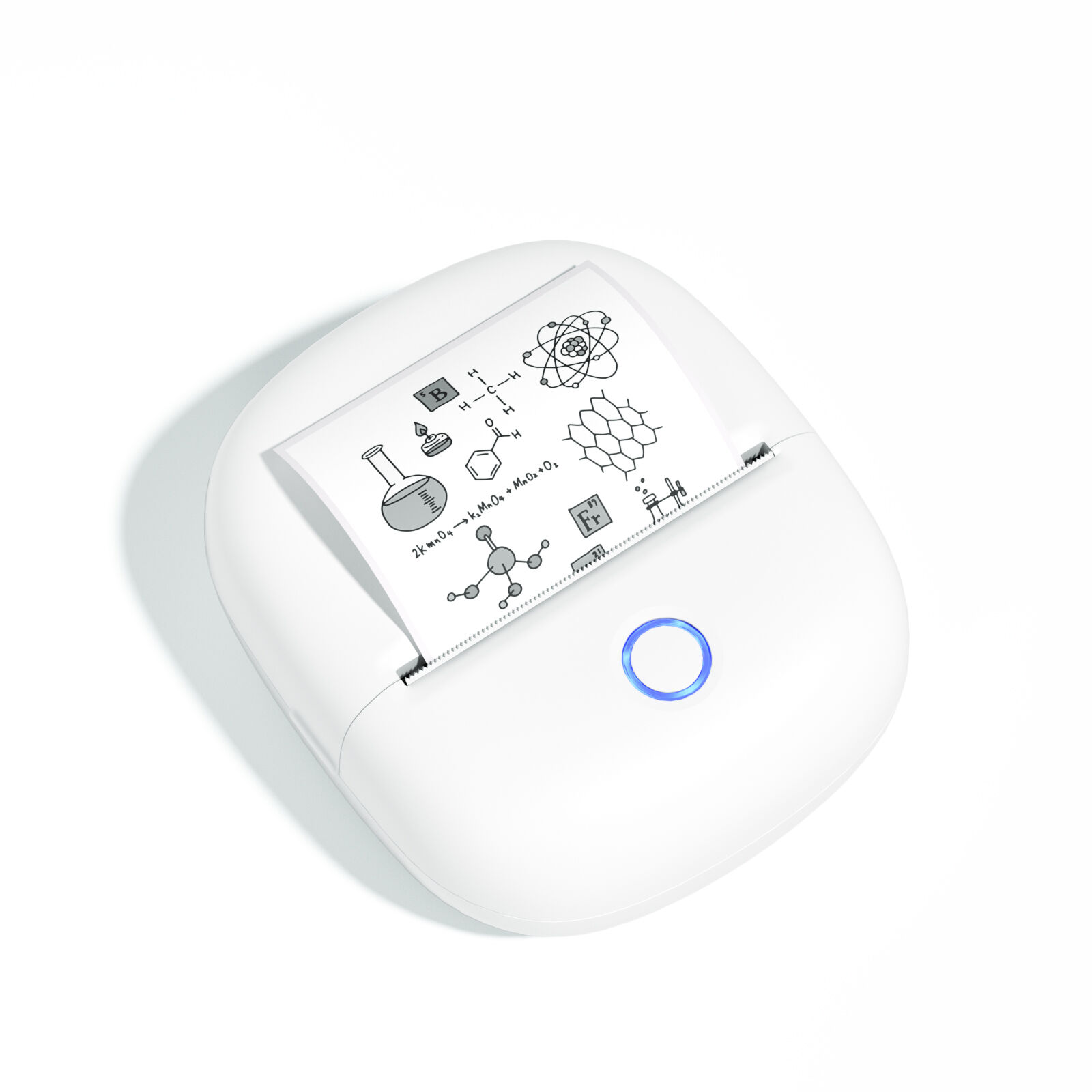
Identify Your Core Retail Labeling Needs Before Buying a Mini Label Printer
Essential Use Cases: Price tags, shelf labels, promotional stickers, and QR-coded inventory markers
Before picking out a mini label printer, it helps to know what kind of labeling work needs doing each day. Most retail shops rely on these small printers for all sorts of things: making new price tags when restocking shelves, creating shelf labels so customers can find products easily, putting out special promo stickers during holiday seasons, and generating QR codes to keep track of inventory movements. For stores that print over 200 labels every single day, finding a printer with templates that can be recalled at the touch of a button saves tons of time training employees and keeps everything looking uniform across displays. Look for machines that handle barcode formatting quickly and automatically fill in expiration dates too. These features cut down on having to manually rewrite labels and just plain reduces mistakes overall.
Label Size & Material Flexibility: Supporting 1" Ã 1" product IDs up to 4" Ã 6" seasonal banners
Before buying a mini label printer, check if it can handle different physical demands. Most retail stores need machines that work with those tiny 1 inch by 1 inch polyester tags used for things like electronics and makeup products. They also require bigger 4x6 inch paper signs for store displays and promotions. Thermal printers that can process both plastic and paper save money in the long run, cutting down on equipment expenses by around 30% when compared to printers limited to just one type of material. Look for models that adjust to various substrate thicknesses ranging from 2 to 8 mils so they can produce tough outdoor stickers and labels that won't smear easily. This matters a lot in busy areas or places where humidity is an issue since poor quality prints tend to fade or get damaged quickly there.
Compare Thermal Printing Technologies for Durability and Cost Efficiency
Direct Thermal vs. Thermal Transfer: When fade resistance matters for outdoor or long-display price tags
Direct thermal printing works by changing the chemistry of special heat sensitive paper, making it great for things that don't need to last forever like price tags on shelves or those little stickers on packages when shipping stuff out. These are usually cheaper options but won't stand up to much wear and tear. On the other hand, thermal transfer printers actually melt ink from a ribbon onto whatever surface they're printing on. This method gives much better results when it comes to fading issues too - some tests show these prints can last around 35 years if kept away from harsh elements. For anyone dealing with labels that might get sun exposure, extreme temperatures, or regular handling, going with thermal transfer makes sense. Think about those big promotional signs outside stores, heavy duty warehouse inventory markers, or even those permanent ID tags attached to products that need to stay readable for years.
Consumables Strategy: Ribbon costs, label stock compatibility, and total cost per print in high-volume retail
| Factor | Direct Thermal Consideration | Thermal Transfer Consideration |
|---|---|---|
| Consumables | Specialized heat-sensitive labels | Ribbon + standard/synthetic labels |
| Avg. Cost per Label | $0.01–$0.03 | $0.02–$0.05 (ribbon-dependent) |
| Material Flexibility | Limited to paper-based substrates | Supports polyester, polypropylene |
Direct thermal printing saves money on ribbons but comes with a catch: those labels just don't last when exposed to heat, sunlight, or regular wear and tear. We've all seen what happens when barcodes fade away after sitting in a hot warehouse for weeks. Thermal transfer might cost more initially because of the ribbons needed, but these labels stand up much better over time, particularly where there's lots of foot traffic or handling. Retailers who print hundreds of labels every day usually find that even though each thermal transfer label costs around 30 to 50 percent more, they end up spending less overall thanks to far fewer replacements and no constant stoppages to fix faded labels. Before making any decisions, check if the compact label printer being considered can handle both methods since business needs tend to change with seasons and inventory demands.
Ensure Seamless In-Store Integration with Reliable Connectivity and Mobility
Smart Connectivity Options: Bluetooth for mobile staff, Wi-Fi for shared POS environments, and USB-C for backup reliability
Mini label printers these days really boost how quickly stores can respond to changing needs thanks to their smart connections. Staff members can now print price tags right from their phones or tablets as they walk around putting items back on shelves or helping shoppers find what they need. No more running back to those fixed printing stations which used to waste so much time. The Wi-Fi connection makes sure that whatever gets printed matches up with the point of sale systems throughout the store. That means prices and special offers get updated everywhere at once instead of being behind schedule somewhere else in the building. And just in case something goes wrong with the internet connection, most models come with USB-C ports for direct printing. This backup option keeps everything running smoothly even when there are unexpected problems with the network during busy times at the store.
Portability & Battery Life: Real-world performance of top mini label printers (4–8 hours runtime, lightweight design)
Retail stores need equipment they can move around easily throughout the day. Most top selling models come in at less than two pounds with specially designed handles that make carrying them comfortable even after several hours on the job. Testing shows batteries last between four to eight hours straight, which covers most work shifts. They also charge quickly so there's minimal waiting time when moving from one task to another. The ability to print labels wherever needed means employees can adjust prices, apply sale tags, or update inventory right where customers shop, transforming regular aisles and storage areas into functional workspaces. When connected to store systems, these compact printers become just another tool in the everyday workflow rather than something separate or inconvenient.
Validate Software, Templates, and Label Compatibility for Daily Efficiency
Looking for label management software? Go for ones that come with ready-made templates matching brand standards. This cuts down on daily workloads big time. Stores that have adopted these template libraries see their label creation speed jump by around 40%. That makes a real difference when dealing with routine stuff like updating prices, putting together those mandatory ingredient lists, or getting promotional labels out quickly before sales events. The mini label printer needs to work seamlessly with whatever software is chosen too. Otherwise we end up with misaligned labels, empty prints, or wasted materials which can really slow things down when trying to get discounts applied or process inventory efficiently. Also check what kinds of materials the system supports. Matte paper works fine, but don't forget about glossy options and those synthetic papers that resist smudges. These are crucial during busy periods when hundreds of labels need printing at once. And let's not overlook the compliance features either. Systems with built-in checks for things like FDA requirements on allergens or OSHA safety notices help eliminate mistakes and save money on reprint costs. This protects both day-to-day operations and keeps the business compliant with all regulations.
FAQ
What are the main types of thermal printing technologies for mini label printers?
There are two main types: Direct Thermal and Thermal Transfer. Direct Thermal is suitable for short-term label needs, while Thermal Transfer provides better durability for labels exposed to harsh elements.
What factors should I consider regarding label materials and sizes?
Ensure the mini label printer supports a range of sizes from 1"x1" to 4"x6" and can handle various materials like polyester and paper to maximize utility across different labeling tasks.
How does connectivity affect the use of mini label printers?
Smart connectivity options like Bluetooth, Wi-Fi, and USB-C enhance the flexibility and reliability of label printing operations, enabling seamless integration with store systems.
Are there any cost benefits to choosing certain printing methods?
While Direct Thermal printing is cheaper per label, Thermal Transfer is more durable and can save costs over time by reducing replacements due to fading or damage.
Table of Contents
- Identify Your Core Retail Labeling Needs Before Buying a Mini Label Printer
- Compare Thermal Printing Technologies for Durability and Cost Efficiency
- Ensure Seamless In-Store Integration with Reliable Connectivity and Mobility
- Validate Software, Templates, and Label Compatibility for Daily Efficiency
- FAQ